Do you need Acrobat
just to sign a PDF?
Adobe Acrobat is a full PDF suite: editing, redaction, sending for e-signature and much more. If what you actually do on your iPhone is sign and fill documents other people send you, you may be paying for tools you never open. Here's how the plans compare.
Updated By Alina Bohuslavska, maker of eSign
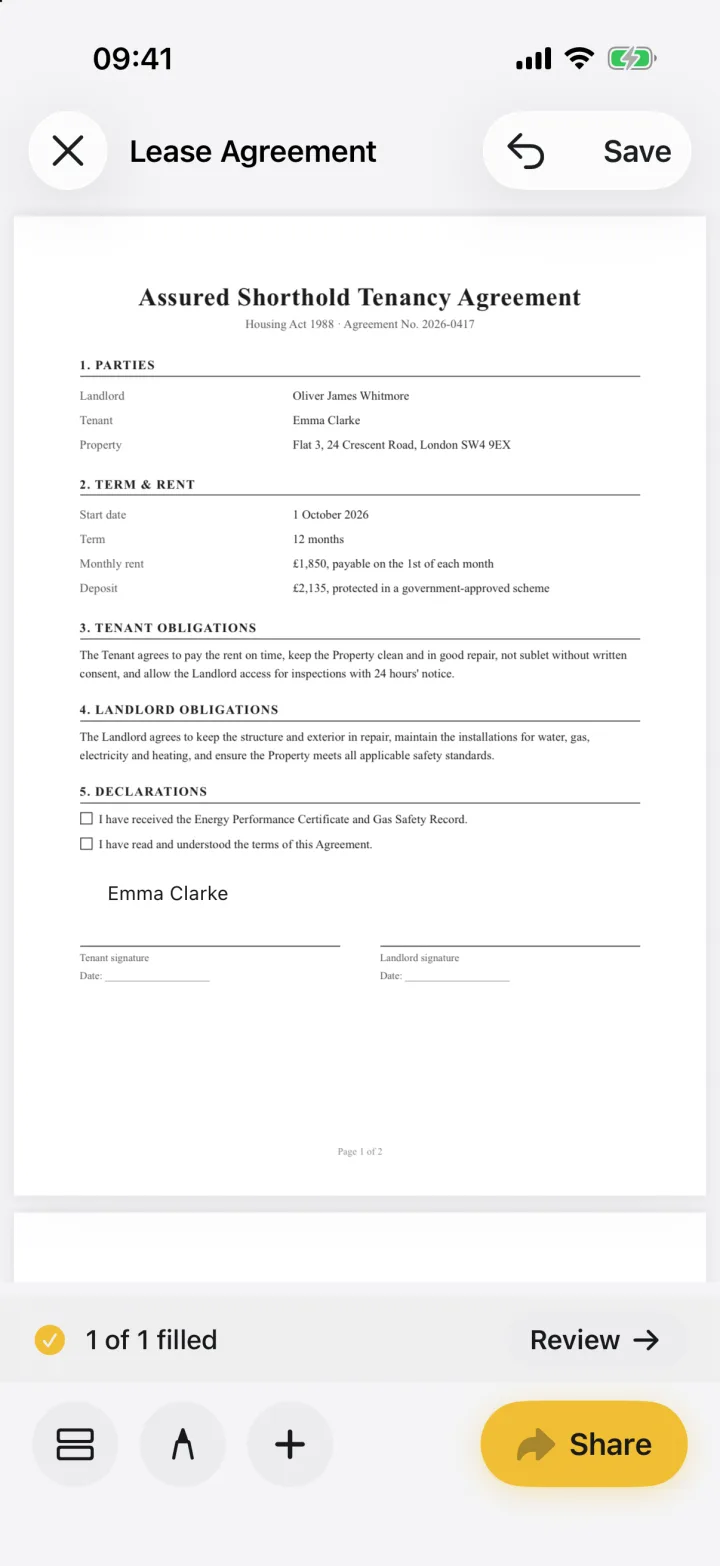
To sign and fill PDFs yourself, you don't need a paid Acrobat plan. Acrobat Reader's Fill & Sign tool is free, and eSign is free to try, with Pro for unlimited signing. Acrobat Standard (US$14.99/month) and Pro (US$19.99/month) on an annual plan make sense when you send documents for others to sign or edit PDFs heavily.
eSign vs Acrobat Standard / Pro
| Feature | eSign | Acrobat Standard / Pro |
|---|---|---|
| Sign and fill PDFs yourself | Yes | Yes |
| Send for e-signature and track | No | Yes |
| Advanced PDF tools | No, signing, filling and markup only | Full PDF suite; Pro adds redaction and 70+ advanced tools |
| Price | Free to try, Pro for unlimited signing | Standard US$14.99/month, Pro US$19.99/month (annual plan, billed monthly) |
| Account | None | Adobe account |
| Where documents live | On your devices and your private iCloud; never sent to us | On device or in Adobe cloud storage |
Based on Adobe's US Acrobat pricing page and App Store listing, October 2026. Prices vary by country.
What each Acrobat plan adds
- Acrobat Reader: free, with a Fill & Sign tool for signing PDFs yourself
- Acrobat Standard: fill and sign, collect e-signatures from others and track responses
- Acrobat Pro: everything in Standard, plus redaction, web forms, reusable e-sign templates and bulk sending
- Acrobat Studio: everything in Pro, plus AI Assistant and PDF Spaces
When Acrobat is the better choice
If you send contracts out for signature, edit PDFs often, or already pay for Adobe apps, Acrobat Standard or Pro is worth it. You get the whole suite on desktop and mobile.
When eSign is the better choice
- You sign and fill documents others send you, and don't send your own for signature
- You don't want an account, and want your documents never sent to us
- You sign with your real signature and want to scan it from paper
- Documents arrive as Word files, photos or paper, not just PDFs
Common questions
Is there a cheaper alternative to Adobe Acrobat for signing PDFs on iPhone?
Yes. To sign and fill documents yourself you don't need Acrobat Standard or Pro. Acrobat Reader's Fill & Sign tool is free, Apple's built-in Markup can add a basic signature, and eSign is free to try, with Pro for unlimited signing.
Do I need Acrobat Pro to sign a PDF?
No. You can sign a PDF yourself in the free Acrobat Reader or in eSign. Pro is for advanced editing, redaction and sending documents for e-signature in bulk.
Can eSign open Word files and scans?
Yes. eSign converts Word (.docx) files, photos and camera scans to PDF on your device, so you can sign them like any PDF.
Keep reading
Ready when the
next one lands.
Free to try · No account needed