A signing app that works offline
and never asks you to sign up.
Many signature apps start with a sign-up screen and keep your documents on their servers. eSign doesn't. There's no account, signing works without an internet connection, and your documents, signatures and form details are never sent to us.
Updated By Alina Bohuslavska, maker of eSign
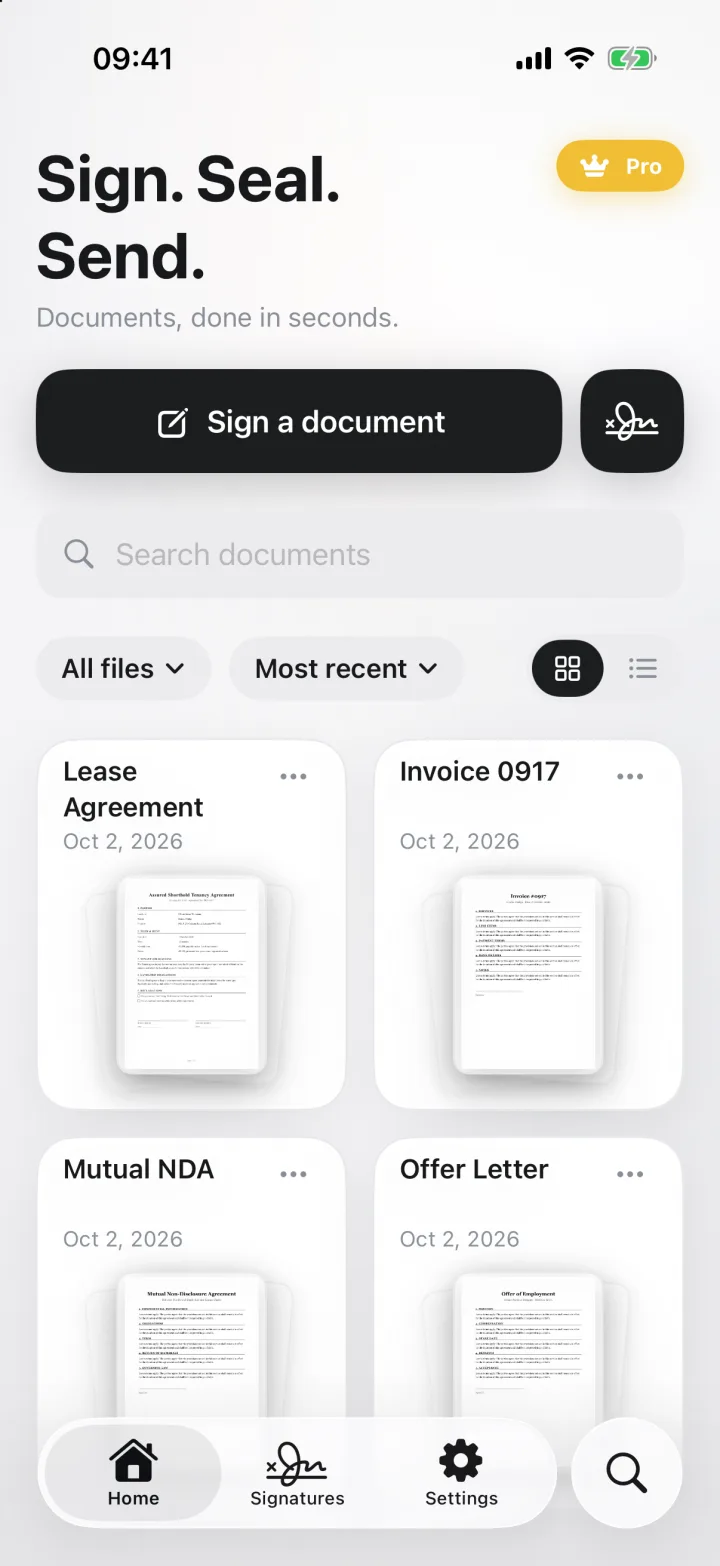

eSign is a signature app for iPhone, iPad and Mac that needs no account and works offline. Your documents, signatures and form entries are stored in the app on your device and are never sent to us. If iCloud Drive is on, they also sync through your own private iCloud between your iPhone and Mac.
What stays with you
- Documents you import, scan, sign or fill in, and the files you export
- Your saved signatures, initials and stamps, including signatures lifted from a photo
- Form templates and your autofill profile, such as a name or address you choose to save
- Document locks: Face ID and Touch ID are handled by iOS, and the app never sees your biometric data
Does eSign upload my documents to the cloud?
eSign never sends your documents to us. Converting files, scanning paper and removing the background from a signature photo all run on your device.
If you're signed in to iCloud with iCloud Drive on, your documents, drafts and signatures stay on your devices and in your private iCloud, so they're in sync on your iPhone and Mac. With iCloud Drive off, eSign keeps your documents on that device only. A document leaves eSign when you share it.
Sign without an internet connection
Signing doesn't need a connection. On a plane, in a basement office or with mobile data off, you can open a PDF, add your signature, fill in the form and save it. Send it when you're back online.
No account, no sign-up
There's no email, password or sign-up screen. Open the app and sign. We don't ask for your name, email or phone number.
What eSign does collect
The app sends anonymous usage analytics (which screens open, whether an import worked) linked to a random ID, not to your name or Apple ID. Analytics never include the content or names of your documents, your signatures, or anything you type into a form. Purchases go through Apple, and RevenueCat checks your subscription status. The Privacy Policy lists every detail.
Is a typed name a valid signature?
Often, yes. What counts is intent, not handwriting. The US ESIGN Act defines an electronic signature as an electronic sound, symbol or process attached to a record and adopted by a person with the intent to sign it, and says a signature can't be denied legal effect only because it's electronic. The Uniform Electronic Transactions Act (UETA), adopted by most US states, says the same for state law.
In the EU, the eIDAS Regulation says an electronic signature can't be denied legal effect or refused as evidence in court only because it's electronic or isn't a qualified electronic signature. A typed name is a simple electronic signature. Only a qualified electronic signature, made with a certificate from a trust service provider, automatically counts the same as a handwritten one.
Some documents need more. In the US, wills, adoption and divorce papers, court documents and some notices are outside the ESIGN Act. eSign makes simple electronic signatures: it doesn't verify identity, add a certificate or arrange a witness, so it isn't the right tool for documents that legally need those. For UK, Canadian and Australian rules, see our country guides.
General information, not legal advice. Laws differ by country and change; check with a lawyer for important documents.
Sources
- ESIGN Act, 15 U.S.C. § 7001: general rule of validity (Cornell LII)
- ESIGN Act, 15 U.S.C. § 7006: definition of electronic signature (Cornell LII)
- ESIGN Act, 15 U.S.C. § 7003: exceptions (Cornell LII)
- Uniform Law Commission: Electronic Transactions Act (UETA)
- eIDAS Regulation (EU) No 910/2014, Article 25 (EUR-Lex)
Common questions
Does eSign work offline?
Yes. You can open, sign, fill in and save documents without an internet connection, and share them when you're back online.
Do I need to create an account to sign a PDF?
No. eSign has no account, email or password. Open the app and start signing.
Are my documents uploaded anywhere?
They're never sent to us. With iCloud Drive on, they sync through your own private iCloud between your iPhone and Mac; with it off, they stay on your device.
Is a typed name a legally valid signature?
Often, yes. US law (the ESIGN Act and UETA) and EU law (eIDAS) accept electronic signatures, including a typed name, when you add it with the intent to sign. Wills, some court and family documents, and anything that needs a witness or a certificate-based signature are exceptions. This is general information, not legal advice.
Keep reading
Ready when the
next one lands.
Free to try · No account needed