Permission slip due tomorrow?
Done in a minute.
Schools email forms for trips, clubs and medical consent, usually the evening before they're due. eSign lets you fill them in and sign them on your phone, then send them straight back to the school office.
Updated By Alina Bohuslavska, maker of eSign
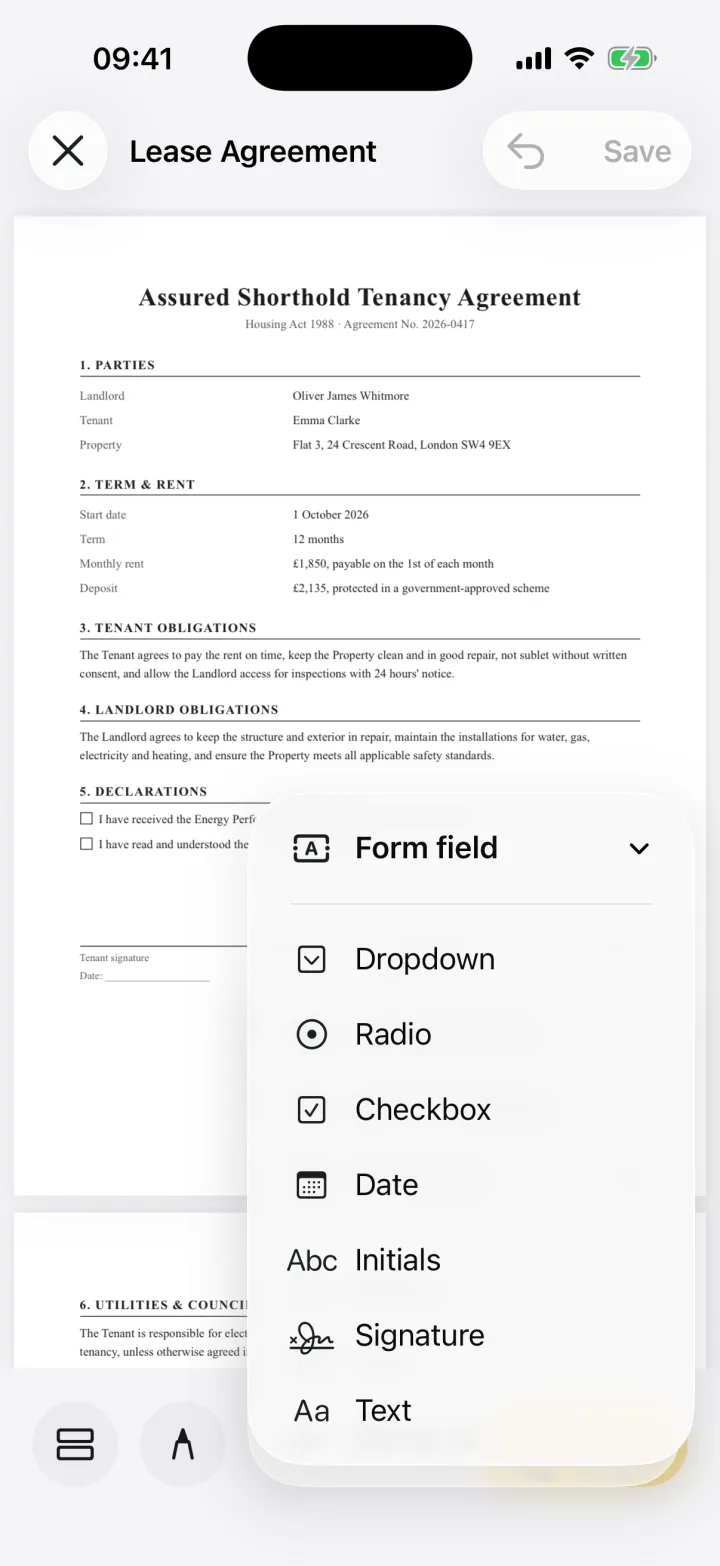

Open the school's PDF in eSign, tick the consent boxes and fill in your child's details with checkbox and text fields, add your signature and send the PDF back to the school. If the form came on paper, scan it with the camera first.
A school form in three steps
- 1
Open or scan the form
Share the email attachment to eSign, or scan the paper slip from the school bag with the camera.
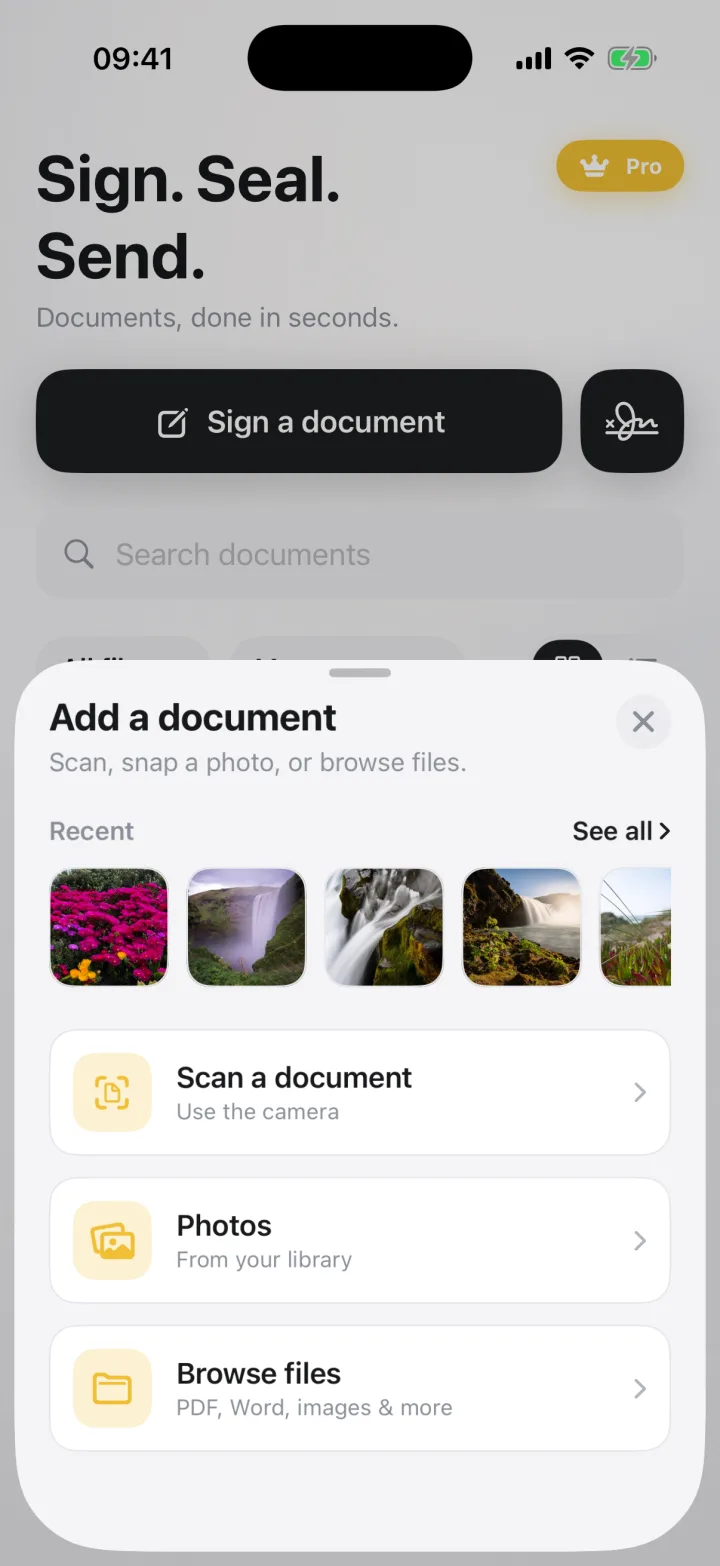
- 2
Tick, fill and date
Add checkboxes for consent, text for names and allergies, and today's date with one tap.
- 3
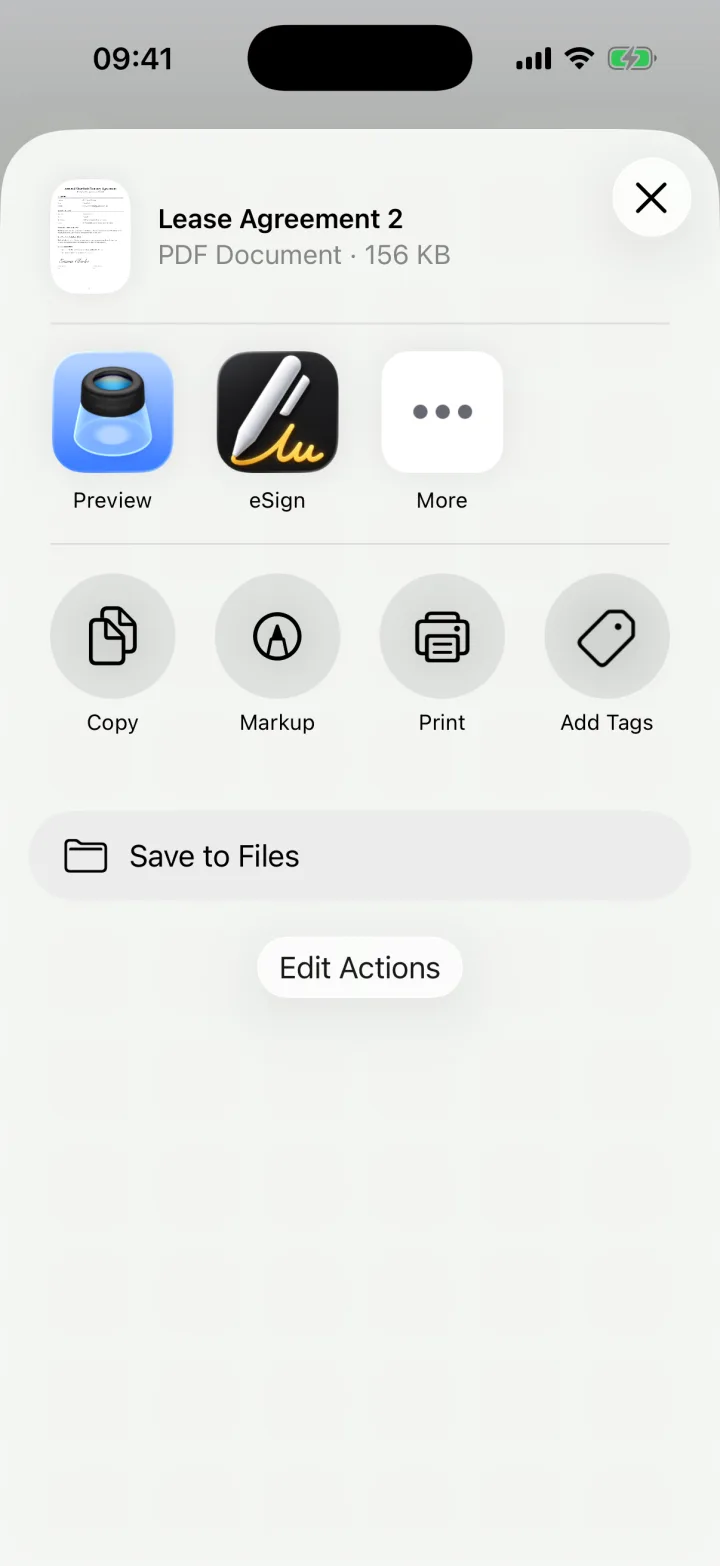
Sign and send back
Place your signature and share the PDF to the school office by email.
Save your details for next time
Your name, address and phone number go in your autofill profile once, so every new form takes seconds. Your saved signature is ready too.
Common questions
How do I sign a permission slip on my phone?
Open the slip in eSign, tick the consent box, add your signature and the date, and email the PDF back to the school.
Keep reading
Ready when the
next one lands.
Free to try · No account needed