Dropbox Sign app gone?
Here's what to use instead.
Dropbox retired the Dropbox Sign mobile app after September 26, 2024. To sign a PDF on iPhone now, use Edit in the Dropbox app, which adds a signature, text or a date to PDFs. If you'd rather not use a cloud account, eSign signs PDFs, Word files and scans on your iPhone with no sign-up.
Updated By Alina Bohuslavska, maker of eSign
The Dropbox Sign iPhone app no longer exists. To sign a PDF stored in Dropbox, open it in the Dropbox app and tap Edit. To send documents to others for signature, use sign.dropbox.com. To sign and fill documents you receive without an account, use a signing app like eSign.
eSign vs Dropbox
| Feature | eSign | Dropbox |
|---|---|---|
| Best for | Signing and filling documents you receive | Sending documents for signature and tracking them |
| iPhone app | eSign | The Dropbox app (the Dropbox Sign app was retired after September 26, 2024) |
| Account | None | Dropbox account (the Dropbox app requires sign-in); people you send to sign by email link |
| Price | Free to try, Pro unlocks unlimited signing | Up to 3 signature requests a month free; Dropbox Sign Essentials $15/month or $120.60/year |
| Files you can sign on iPhone | PDF, Word, images and camera scans | PDF only |
| What you can add on iPhone | Signature, initials, text, date, checkbox fields and stamps | Signature, text or a date |
| Saved signatures | Saved in the app and reused | Can't be saved in the Dropbox app |
| Send for signature, audit trail | No | Yes, with reminders and an audit trail |
| Where documents live | On your devices and your private iCloud; never sent to us | Your Dropbox and Dropbox Sign account |
Dropbox column based on Dropbox Help Center articles and the Dropbox Sign pricing page, checked November 2026.
What happened to the Dropbox Sign app
Dropbox says the Dropbox Sign mobile app is no longer available after September 26, 2024, and signatures saved in it were not kept. Documents you sent from the app are still on dropbox.com and in the Dropbox app under Signature requests.
The Dropbox Sign website still works for sending documents out for signature. Dropbox notes that the Dropbox app and the Dropbox Sign website are separate and don't sync, so a signature saved on the website won't show up on your iPhone.
If someone sent you a Dropbox Sign request
You don't need any app. Open the email and follow the link to sign in your browser. Dropbox Sign's pricing FAQ says signers don't need a Dropbox Sign account and it costs them nothing.
If your PDF is already in Dropbox
Open the PDF in the Dropbox app, tap Edit and choose Add Signature, Add Text or Add Date. Drag each item into place, resize it by its corners and tap Save. It works for PDF files only.
If someone emailed you a document to sign
That's where eSign is simpler. Tap Share in Mail or Files and choose eSign, or tap Sign a document and pick the file. Tap +, add your signature or text, or choose Form field for initials, a date or a checkbox, then tap Share and choose PDF or Flattened PDF (final). No account, and the document is never sent to us or anyone else until you share it.
If you need to send documents for signature
Use the Dropbox Sign website or a similar service. It sends a document to signers, reminds them and keeps an audit trail. eSign doesn't send documents for others to sign, and we'd rather tell you now than have you find out later.
Common questions
Is the Dropbox Sign app discontinued?
Yes. Dropbox says the Dropbox Sign mobile app is no longer available after September 26, 2024. You can still sign PDFs in the Dropbox app and send signature requests from the Dropbox Sign website.
Can I still sign documents in the Dropbox app on iPhone?
Yes, for PDFs. Open the PDF, tap Edit and add a signature, text or a date, then tap Save. Signatures can't be saved in the Dropbox app, so you draw it each time.
Is Dropbox Sign free?
Signing a request someone sends you is free and needs no account. Dropbox says all customers can send up to 3 signature requests a month for free; Dropbox Sign Essentials is $15 a month, or $120.60 billed yearly.
Does eSign need an account?
No. There's no sign-up, email or password. Open the app and sign. eSign is free to try, and Pro unlocks unlimited signing.
Can eSign send documents for others to sign?
No. eSign is for signing and filling documents yourself. You can share the signed PDF with anyone by email, Messages or AirDrop.
Keep reading
All posts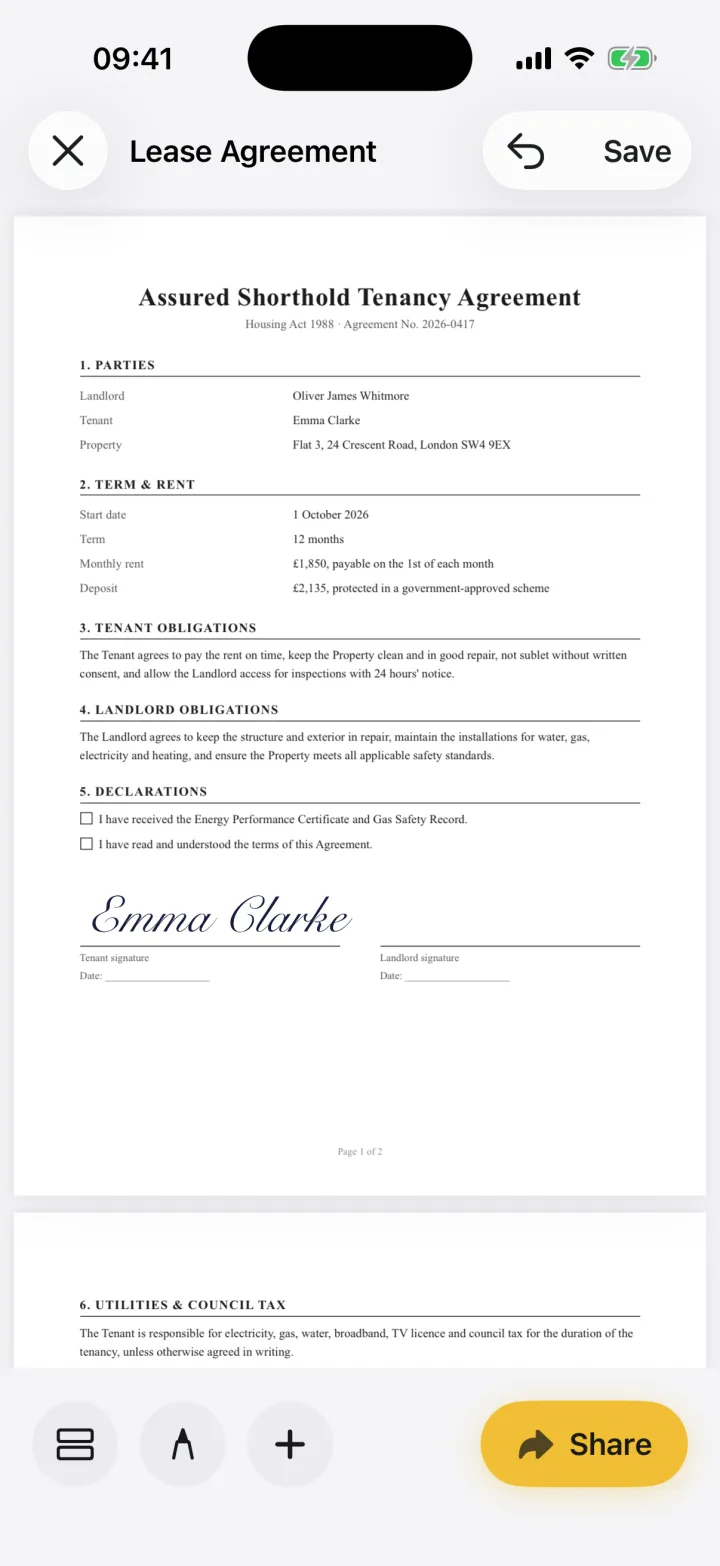 Comparison
DocuSign Alternative for Signing on iPhone
DocuSign is built for sending documents and tracking signatures. If you just need to sign what you've received, privately and without an account, compare eSign.2 min readRead- Comparison
SignNow Alternative for iPhone (No Account Needed)
SignNow is built for sending documents and tracking signers. If you only need to sign and fill what you receive on your iPhone, with no account, compare eSign.2 min readRead 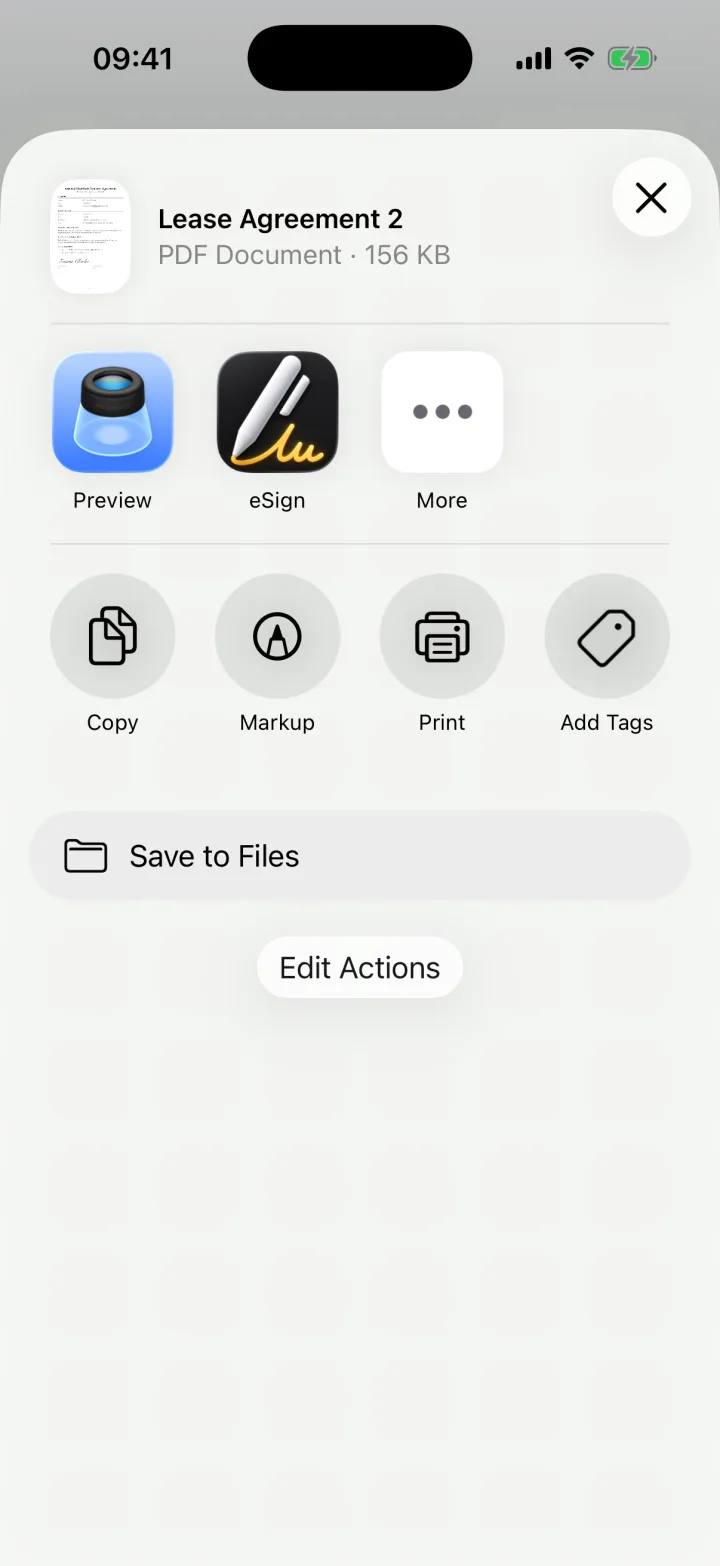 Legal & help
How to Sign a Document From an Email on iPhone
Got a contract or form by email? Open the attachment, sign it on your iPhone and reply with the signed PDF, without printing or scanning anything.2 min readRead
Ready when the
next one lands.
Free to try · No account needed