Sign it, fill it,
send it back.
Step-by-step guides, app comparisons, use cases and plain answers on e-signature law, for signing PDFs and filling forms on iPhone, iPad and Mac.
Browse by topic
 Guide
How to Fill Out and Sign a Rental Application on iPhone
Fill out and sign a rental application PDF on iPhone: type your details, tick the boxes, add the date and your signature, then send it back as a final PDF.4 min readRead Comparison
Dropbox Sign Alternative for iPhone (App Retired 2024)
The Dropbox Sign iPhone app was retired in September 2024. Here's where to sign PDFs on iPhone now: the Dropbox app, the Dropbox Sign website or eSign.4 min readRead Comparison
Apple Markup vs a Signing App: When Is Markup Enough?
Apple Markup can sign a PDF and fill simple forms for free on iPhone. Here's when it's enough, and when a signing app like eSign saves you time.4 min readRead Guide
How to Add Text, Date and Initials to a PDF on iPhone
Add text, today's date and your initials to any PDF on iPhone: type anywhere on the page, pick a date format, place your initials, then share the PDF.4 min readRead Legal & help
Are Electronic Signatures Legal in the US? ESIGN & UETA
Yes. The federal ESIGN Act and state UETA laws give e-signatures the same effect as ink for most contracts. What they say and which documents are excluded.4 min readRead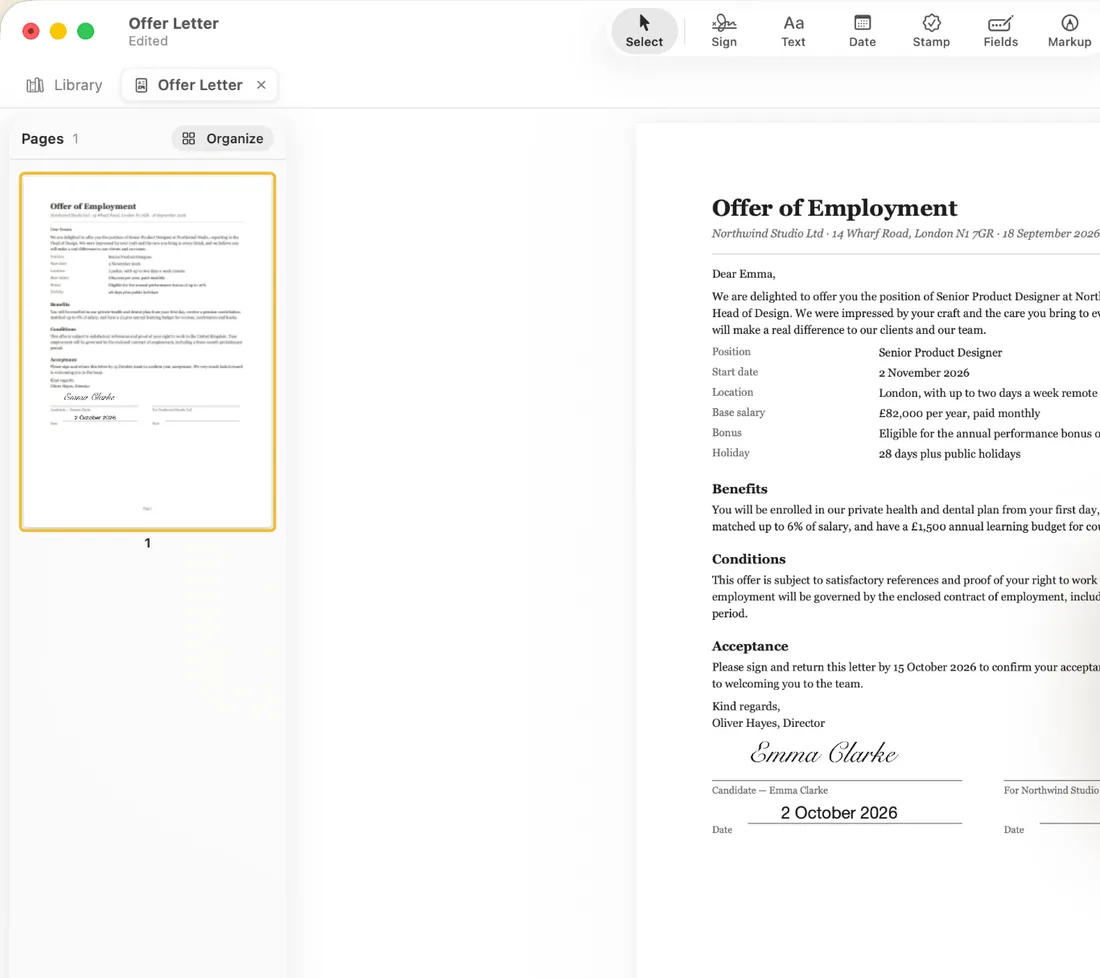 Guide
How to Sign a PDF on Mac Without Adobe
Sign a PDF on your Mac without Adobe Acrobat: drop the file into eSign, draw or type your signature, click to place it and export the signed PDF. No account.3 min readRead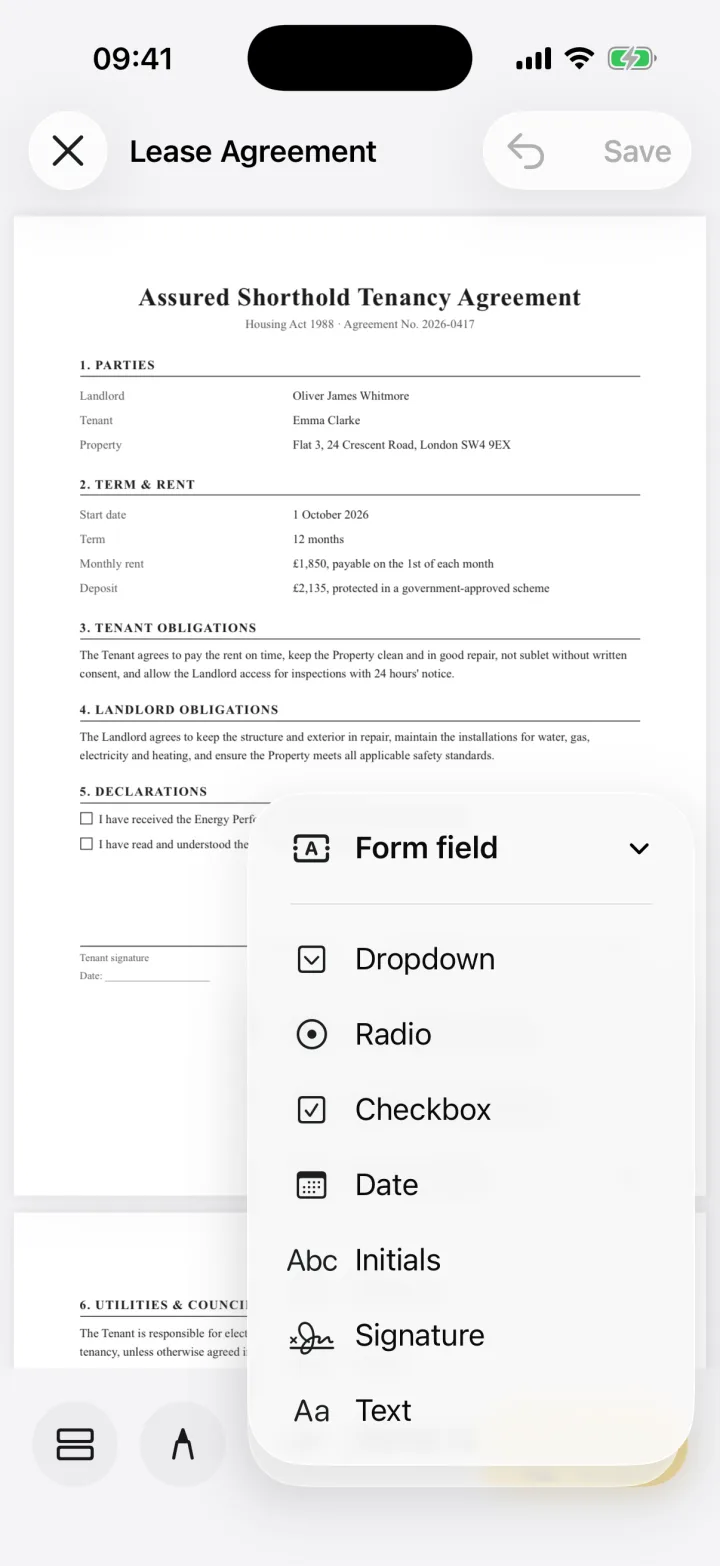 Guide
How to Fill Out a PDF Form on iPad (Any PDF)
Fill out any PDF form on your iPad, even flat PDFs and scans: add text, date, checkbox and signature fields, fill them in and send the form back. No account.3 min readRead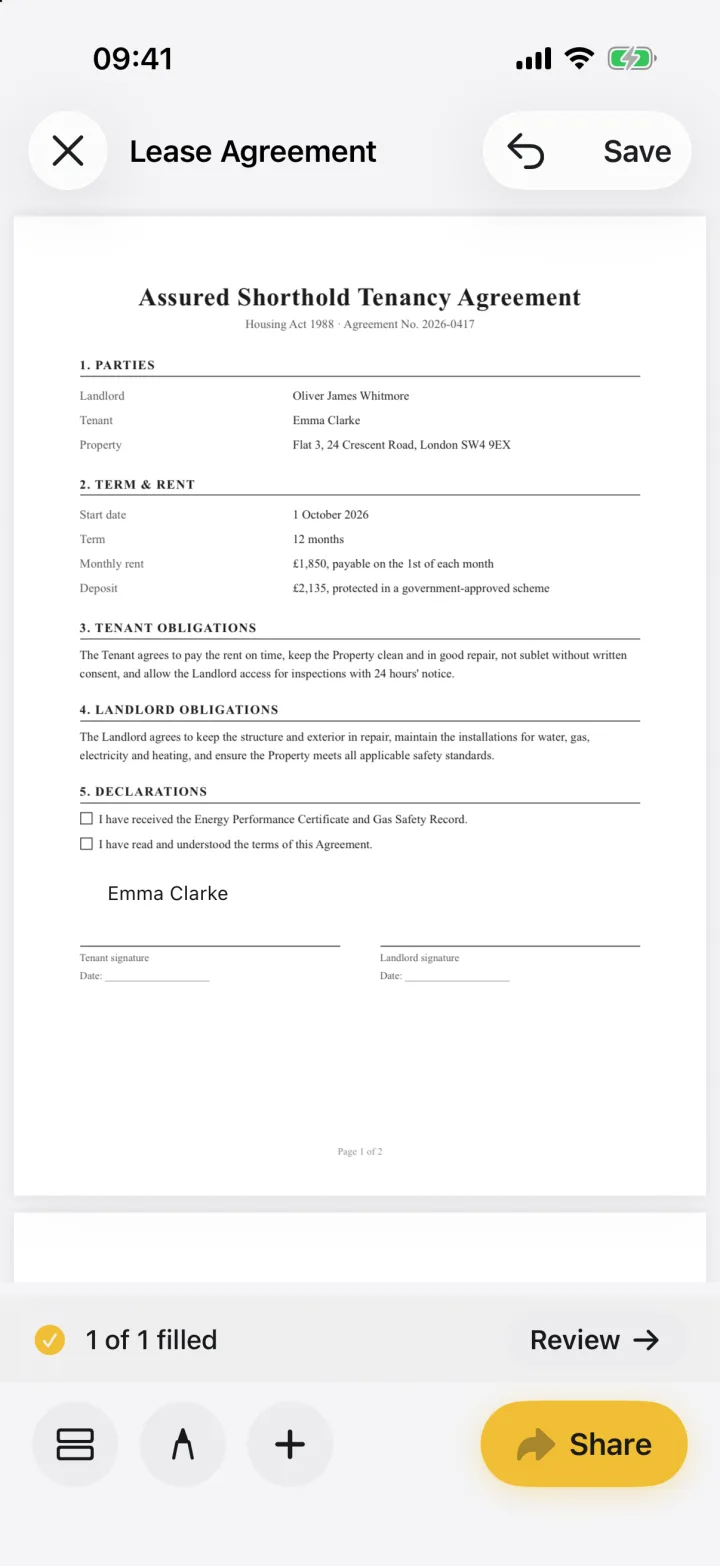 Guide
How to Fill and Sign a Scanned Paper Form on iPhone
Got a paper form? Scan it with your iPhone camera, type into the blanks, sign it and send it back as a PDF, all in eSign. No printer, scanner or account.3 min readRead- Comparison
Adobe Acrobat Alternative for Signing PDFs on iPhone
Paying for Acrobat Standard or Pro just to sign PDFs on your iPhone? See what each Acrobat plan adds and how eSign, a focused signing app with no account, compares.3 min readRead