Sign the contract
before the call ends.
Clients send NDAs, contracts and statements of work as PDFs and expect them back quickly. eSign lets you sign them on your phone or Mac without paying for a document-sending platform you'd rarely use.
Updated By Alina Bohuslavska, maker of eSign
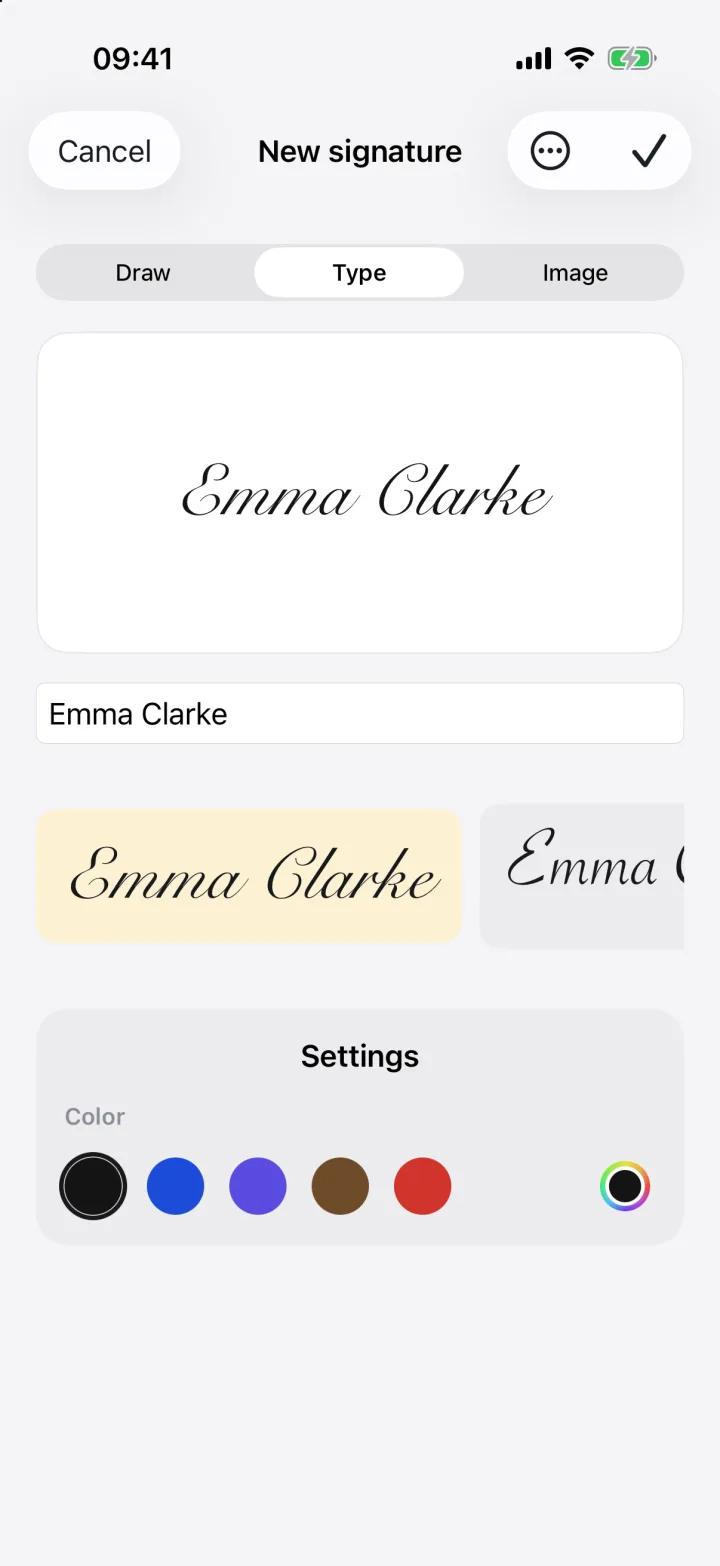

Open the client's PDF in eSign, add your signature and the date, fill in your business details, and share the signed PDF back. Save your name, company, email and address in your autofill profile so every contract takes seconds.
A client contract in three steps
- 1
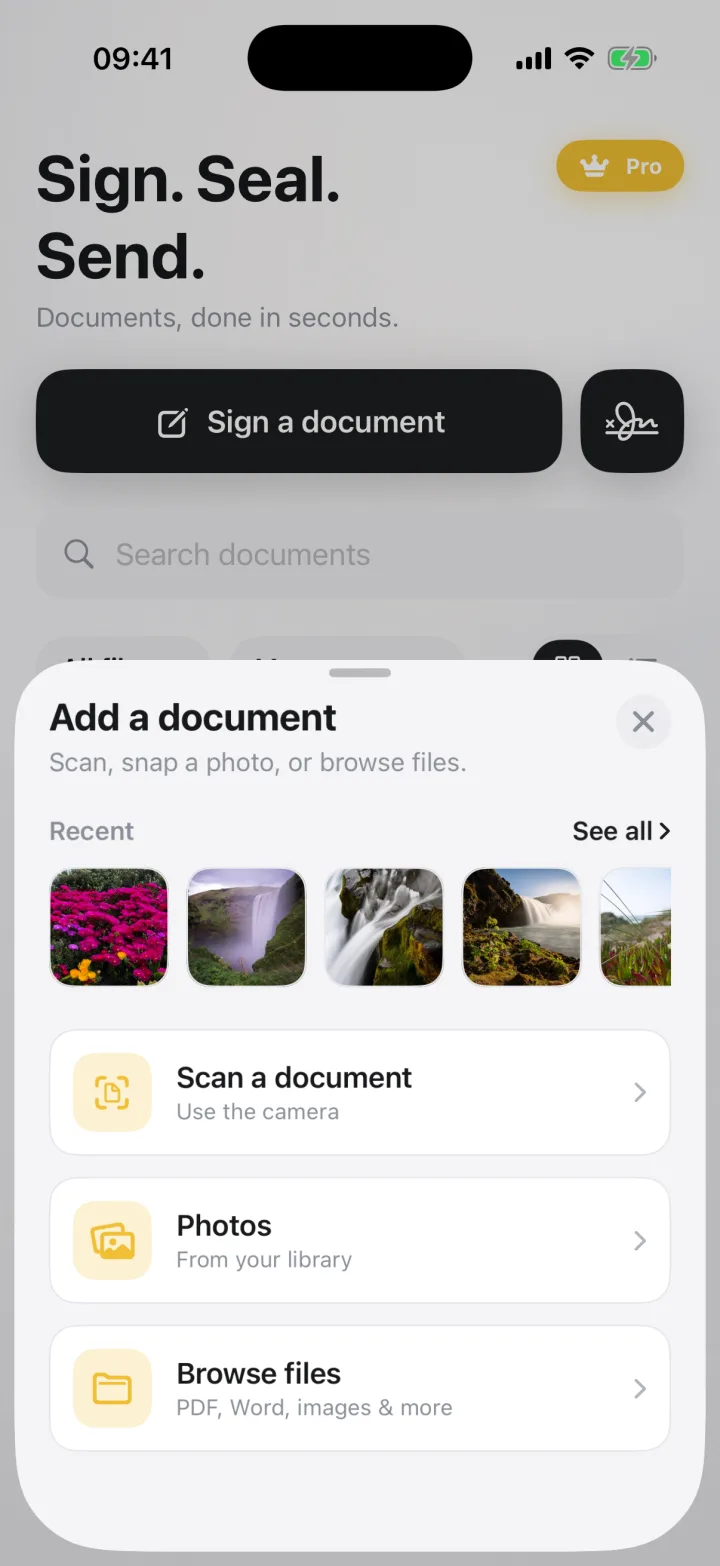
Open the contract
From email, Slack, Files or a download, share the PDF or Word file to eSign. Word files are converted to a signable PDF on your device.
- 2
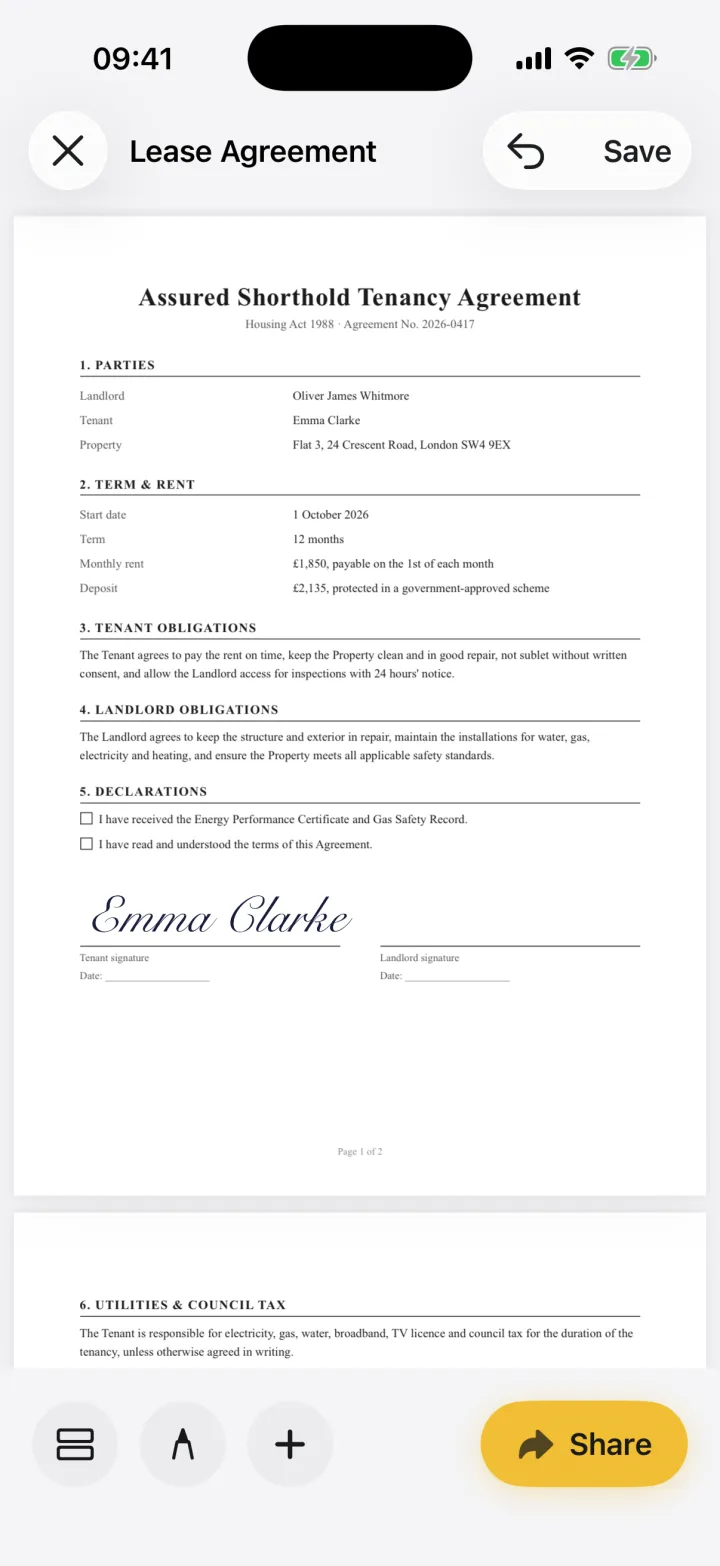
Add your details and signature
Fill in your business name, address and the date from your autofill profile, then place your signature on the line.
- 3
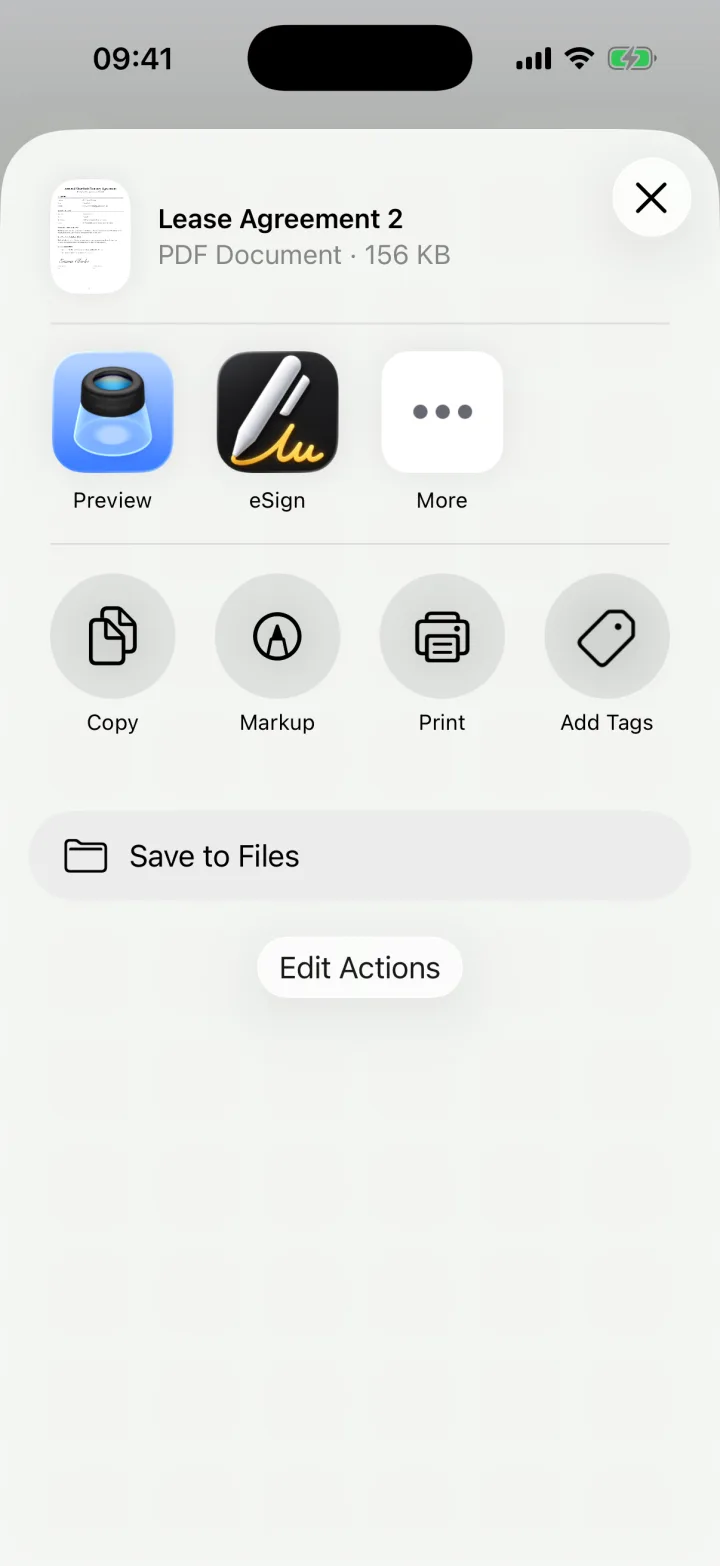
Send it back
Share a PDF to the client by email, or save a copy to your contracts folder in Files.
Why not a full e-signature platform?
Platforms like DocuSign are built for sending documents to others and tracking their signatures, and they charge for it. If clients send you contracts to sign, you're the recipient, and eSign does that job without an account or a monthly sending plan.
Confidential work stays confidential
NDAs and contracts often contain client names and rates you don't want stored on a third-party server. eSign keeps documents on your device and never uploads them.
Common questions
Can I sign an NDA on my iPhone?
Yes. Open the NDA in eSign, place your signature and the date, and share the signed PDF back to the client.
Does it work on my Mac too?
Yes. One Pro purchase covers iPhone, iPad and Mac with the same Apple ID.
Keep reading
Ready when the
next one lands.
Free to try · No account needed